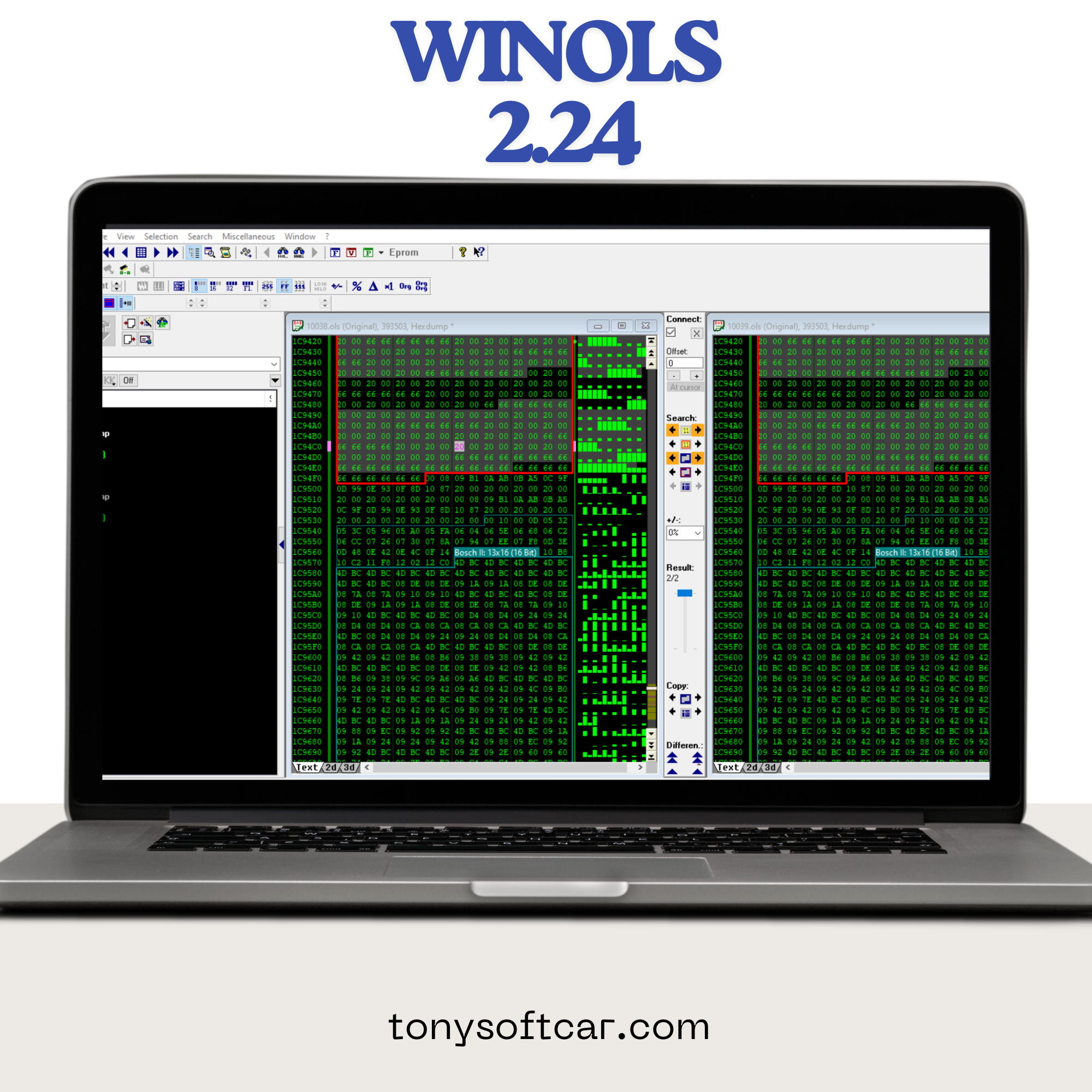
– Run WinOLS_Testversion.exe
– The folder to install is this “C:\Program Files\EVC\WinOLS”. Dont use (“). ¬_¬
– When installation Finish, hold “Run the program” checked.
– The program will be run.
– Accept all windows showed.
– Exit the program.
– Copy EVC folder inside “c:\program files\”.
– Replace ALL.
– Go “c:\programfiles\EVC\” Create a shortcut on the desktop for “loader_ols_32_XP_free.exe”
– Run it.